Building My 3D Art Portfolio: Blog Post #5 - Setting Up My ArtStation!
- Rachel Molnar
- 4 days ago
- 2 min read

Welcome back to my Blog! It's been a while...
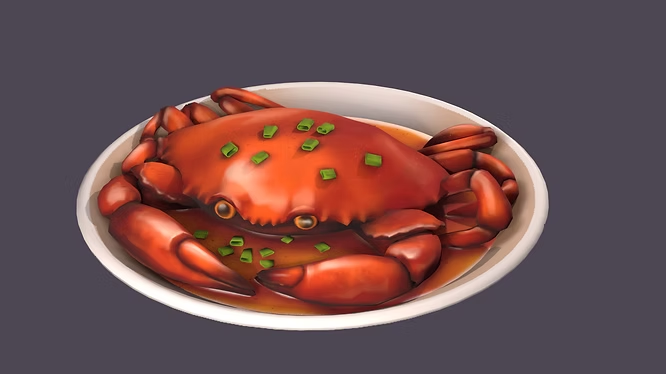
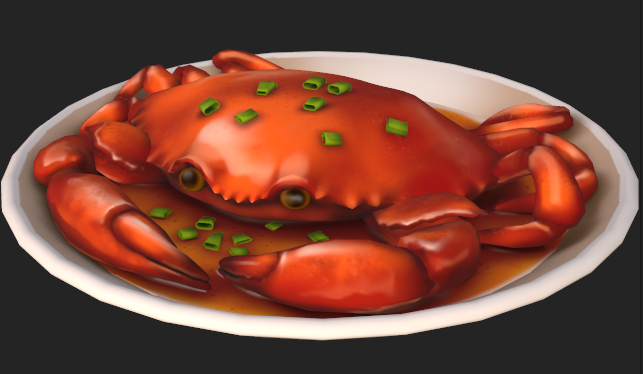
Last post, we featured my completed hand-painted crab project, and were gearing up to post my first post on ArtStation! But first, I realized that before I could do this, I had to properly setup my ArtStation account. What good is a post on an incomplete profile?! In order to do this, I decided to do some research on what makes a profile and post really stand out.
When it came down to understanding what makes a portfolio and post stand out on ArtStation, I decided to take advice from the ArtStation team themselves, as they presented portfolio and posting tips at the Lightbox Expo in 2023.
Watching this video was super informative, and made me realize that profile prep is just as important as posting your art. If you post something interesting, but you don't provide any information about yourself, it's going to be hard for them to recruit you, or even know who you are. Putting yourself out there and showing everyone who you are and what you are capable of is very important to do before posting, so when traffic is brought to your profile, these questions are answered.
Here are some of my key take-aways that they also highlight in their slideshow presentation:

After learning this information, I really reflected on how relevant each one has been so far on my art journey:
My info is NOT up to date on my profile... (at this moment, I don't even have a banner or profile picture!)
I have never participated in an art challenge... I really need to make myself more available and put myself out there
I need to prepare my other socials to maximize my visibility and posting my artwork everywhere
I then got to work filling in my profile information. Here were things it was missing:
Location - ✅
Profile Picture - ✅ (Old picture, but will do for now - needs to be updated on all socials)
Banner Picture - ✅ (Older artwork, but is purple like my PFP)
Resume - ❌ (Note: Still under review, though only visible to employers)
Job Preference - ✅
Profile Description - ✅
Software Experience - ✅
Links to Socials - ✅

Now that I have taken the time and attention to setting up my ArtStation Profile, I can now focus on drafting my first post of my stylized crab. I will share that process in my next blog post!


Comments